

Creating a Team
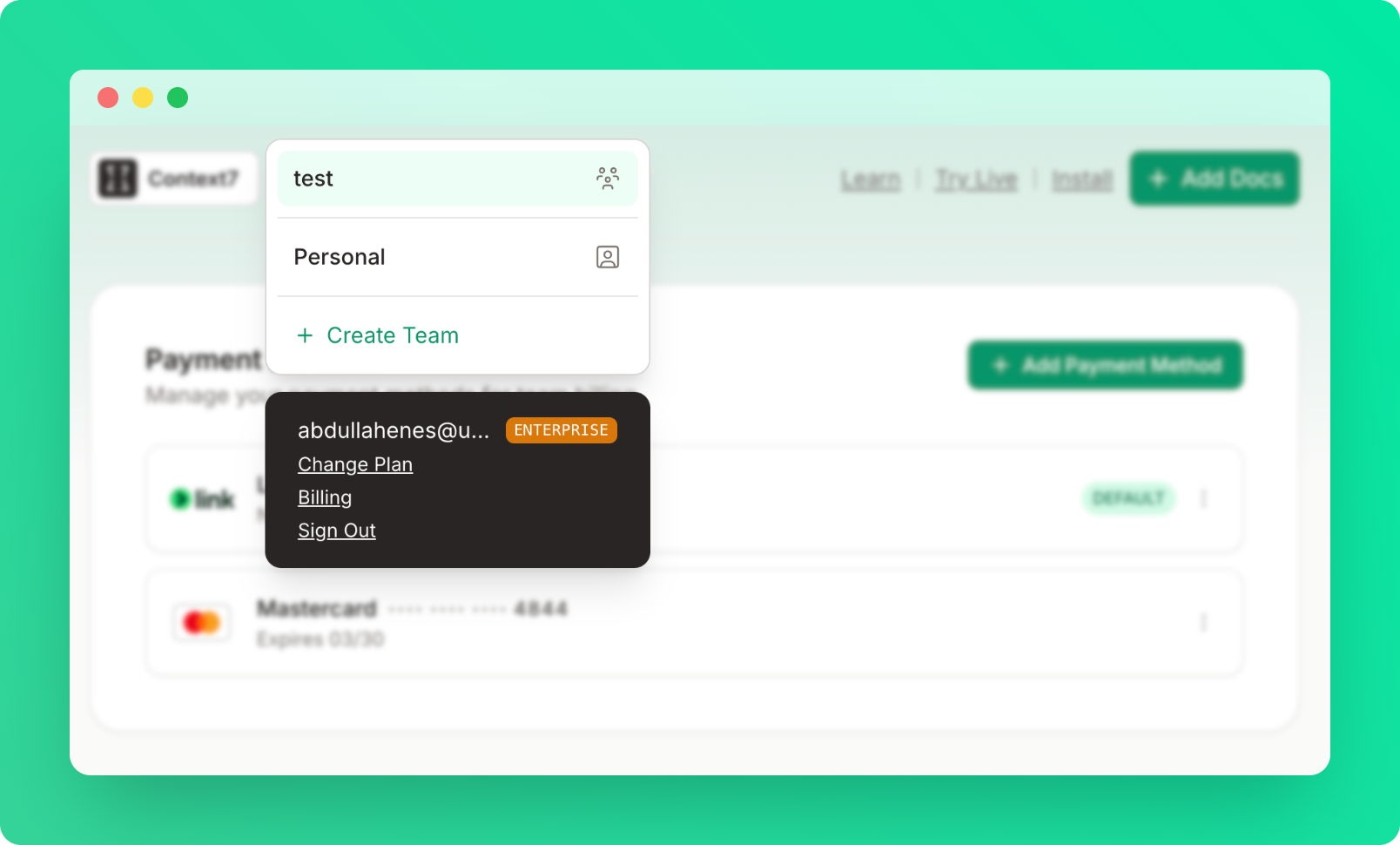
- Click “Create a team” from the top left dropdown
- Enter team name
You must have a Pro or Enterprise plan to create a team.
Roles
| Permission | Owner | Admin | Developer |
|---|---|---|---|
| View dashboard | ✓ | ✓ | ✓ |
| Create API keys | ✓ | ✓ | ✓ |
| Manage team members | ✓ | ✓ | ✗ |
| Manage library access | ✓ | ✓ | ✗ |
| Manage private repos | ✓ | ✓ | ✗ |
| Rename team | ✓ | ✗ | ✗ |
| Delete team | ✓ | ✗ | ✗ |
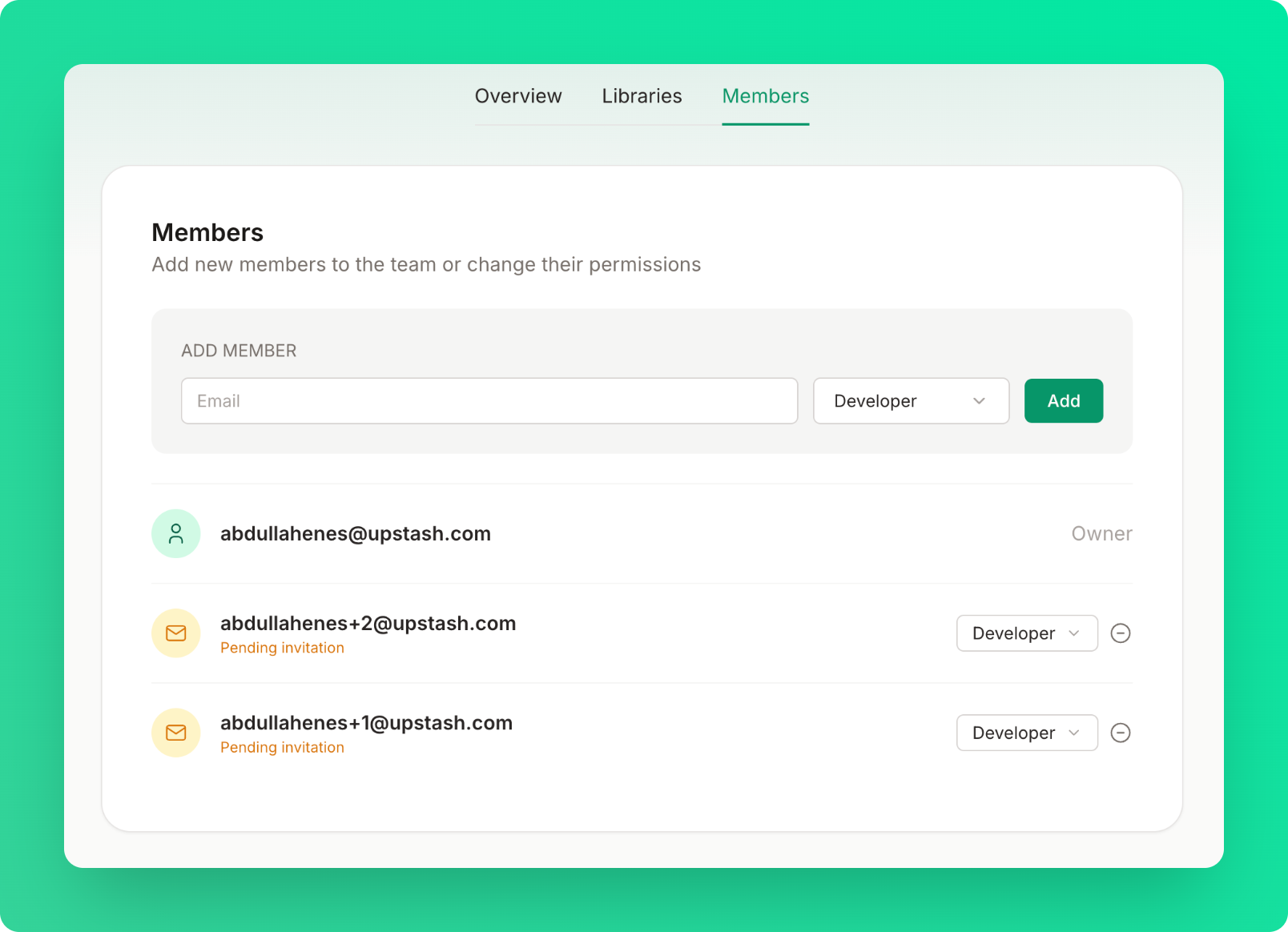
Inviting Members
- Enter member email
- Select role (Developer or Admin)
- Click “Add”
- Member receives an invitation email
- Once they sign in, they are automatically added to the team
The invitation will remain pending until they sign in.
Team Settings
If you are the owner of the team, you can rename or delete the team under the overview tab.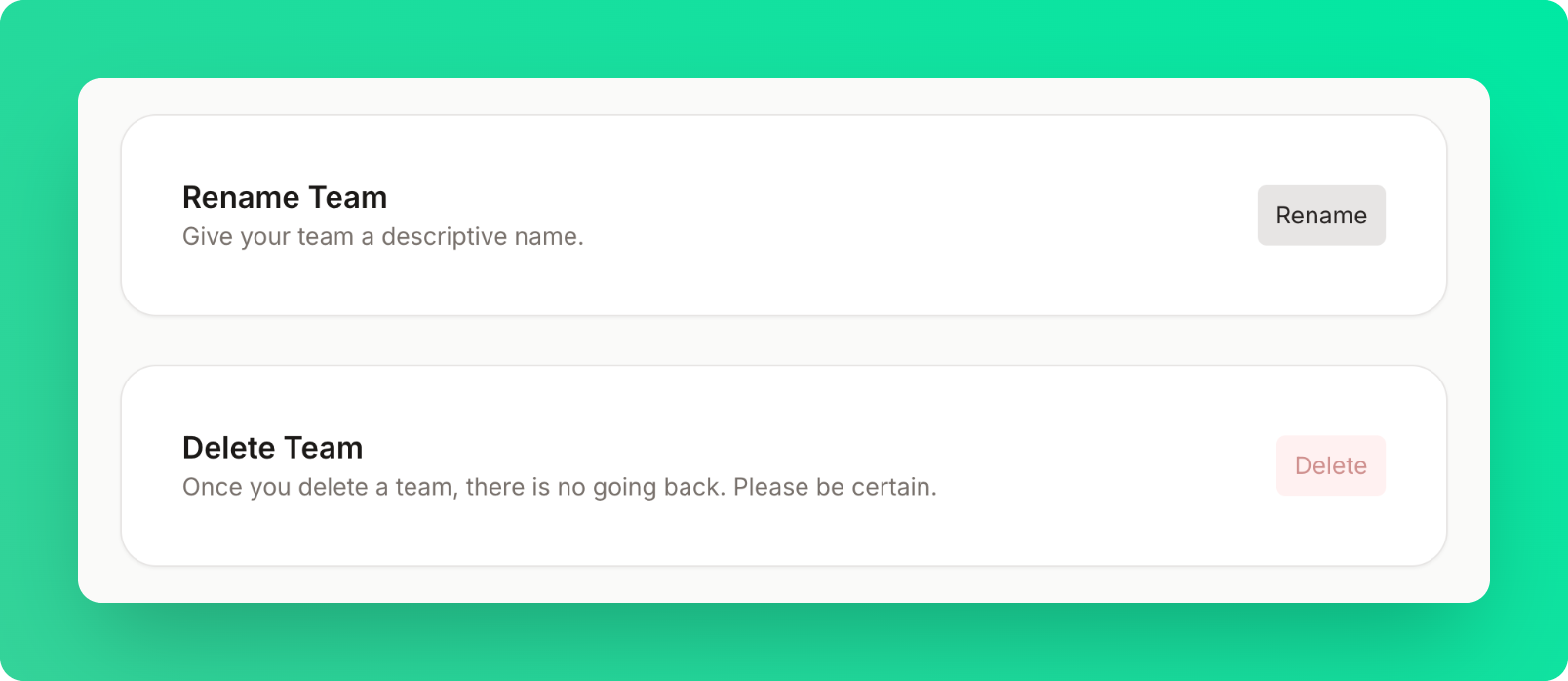
Billing
Pro Plan: $7 per member per month Example: Owner + 3 members = $28/month See Billing for payment management.Limits
| Plan | Max Members |
|---|---|
| Free | 1 (personal only) |
| Pro | 20 |
| Enterprise | Unlimited |