Payment Methods
Adding a Payment Method
- Click “Add payment method”
- Enter card details in Stripe form
- Complete 3D Secure if required
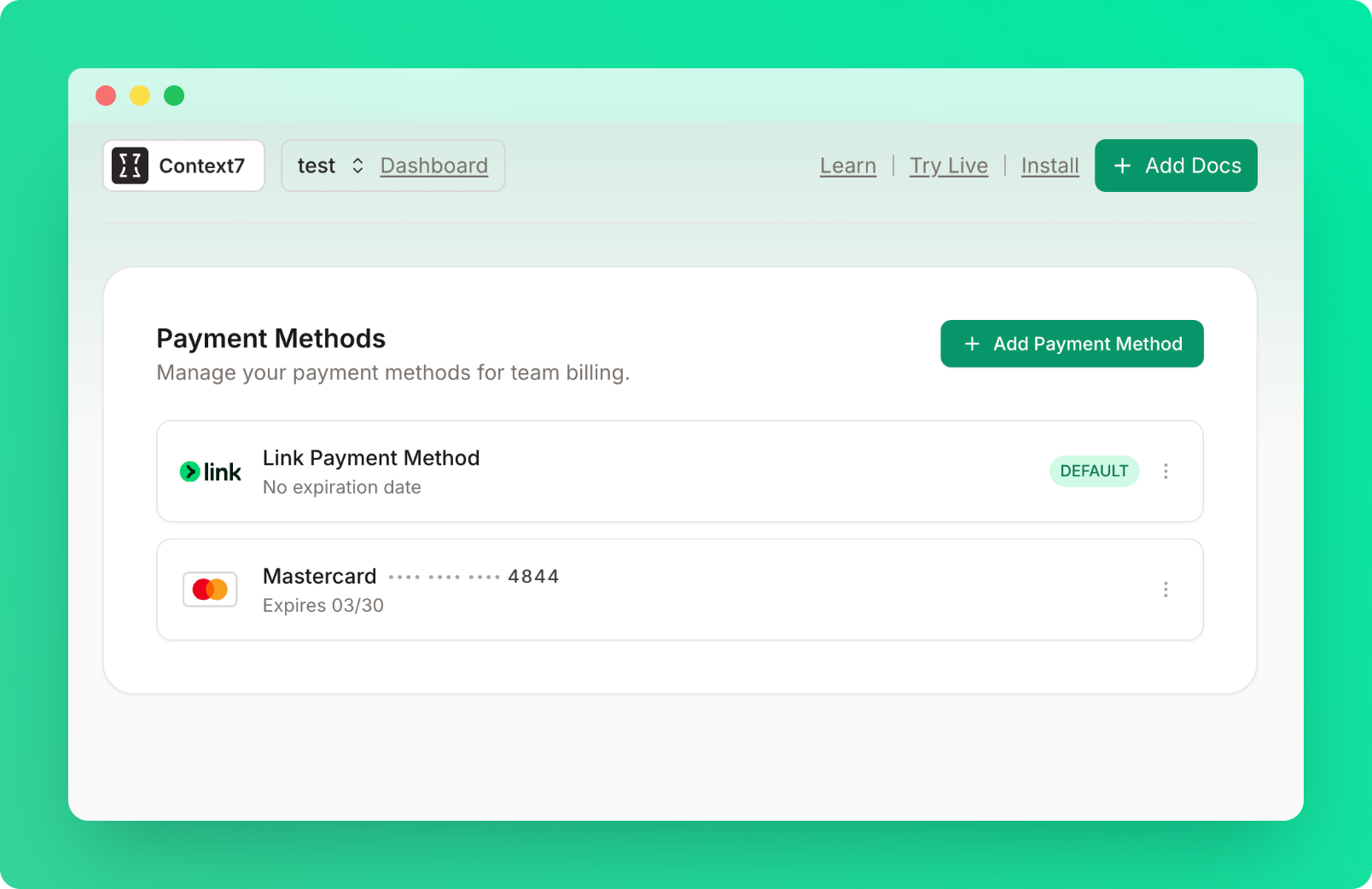
- Card appears in your list
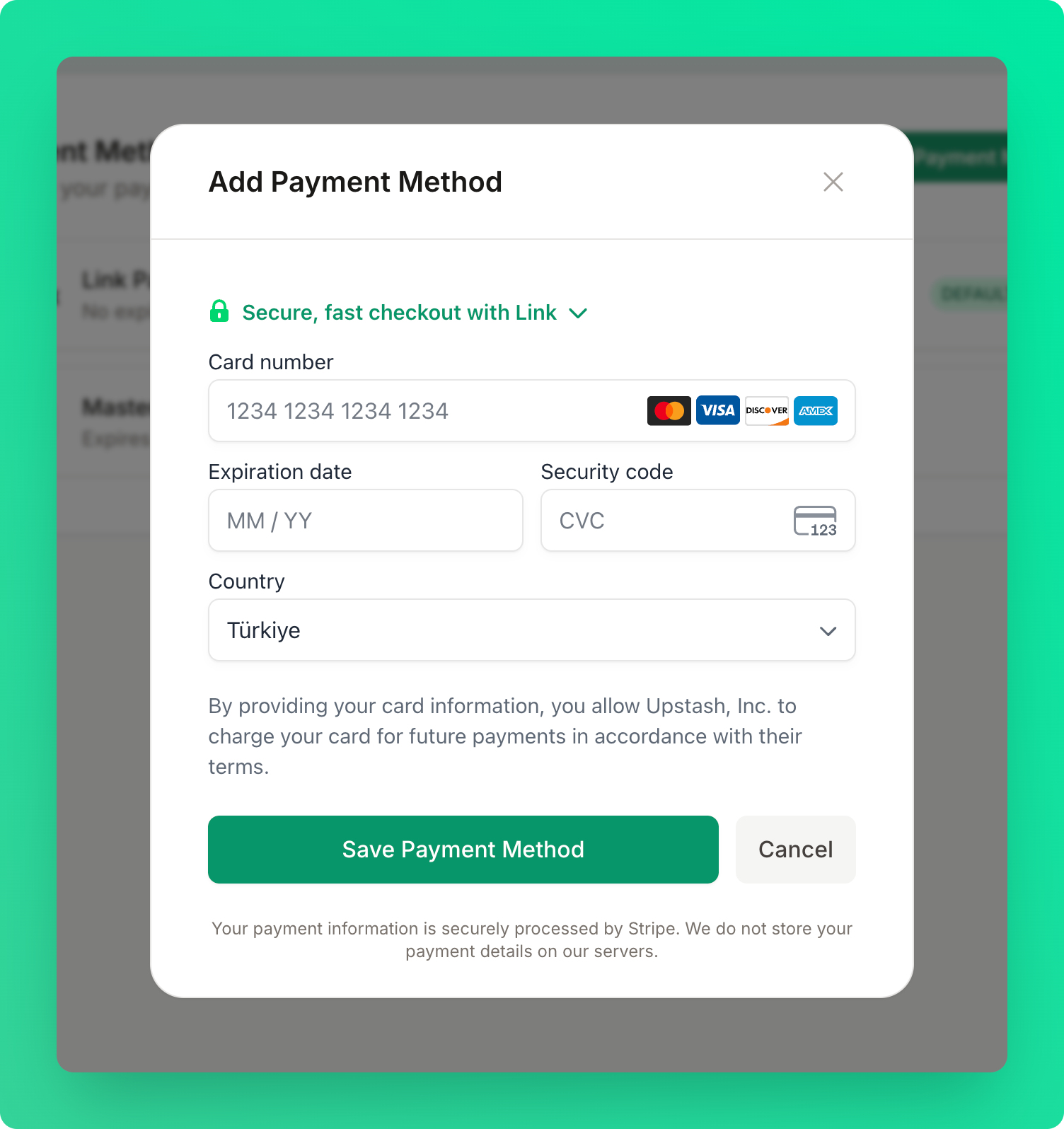
Your full card details are never stored by Context7. All payment data is handled securely by
Stripe.
Managing Cards
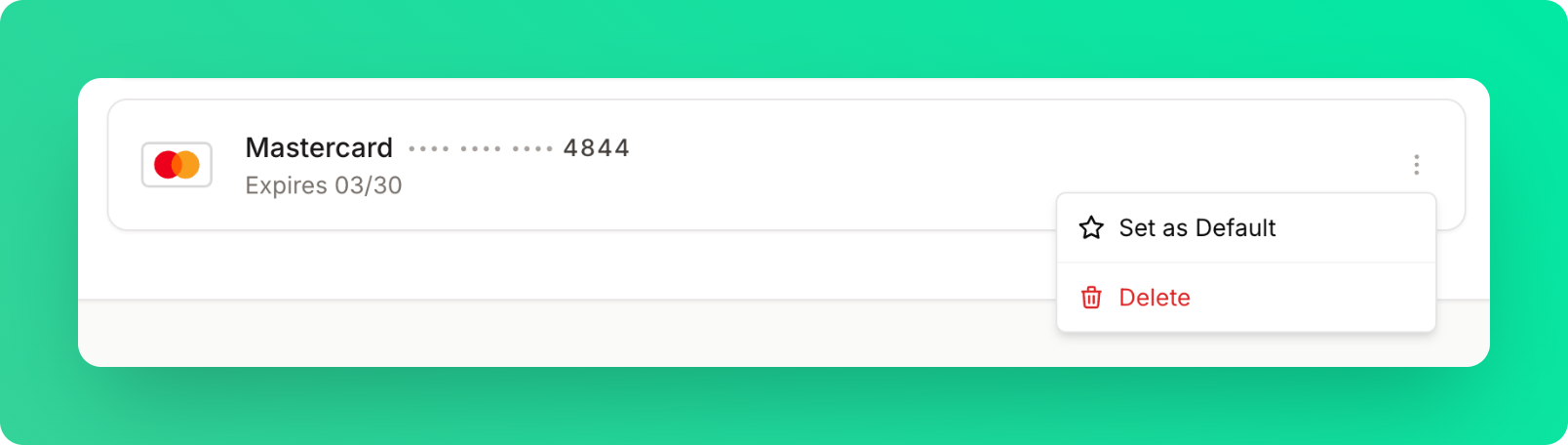
Set Default: You can set a default card to be charged for future payments. Remove: You can remove a card by clicking the delete icon.