

Managing API Keys
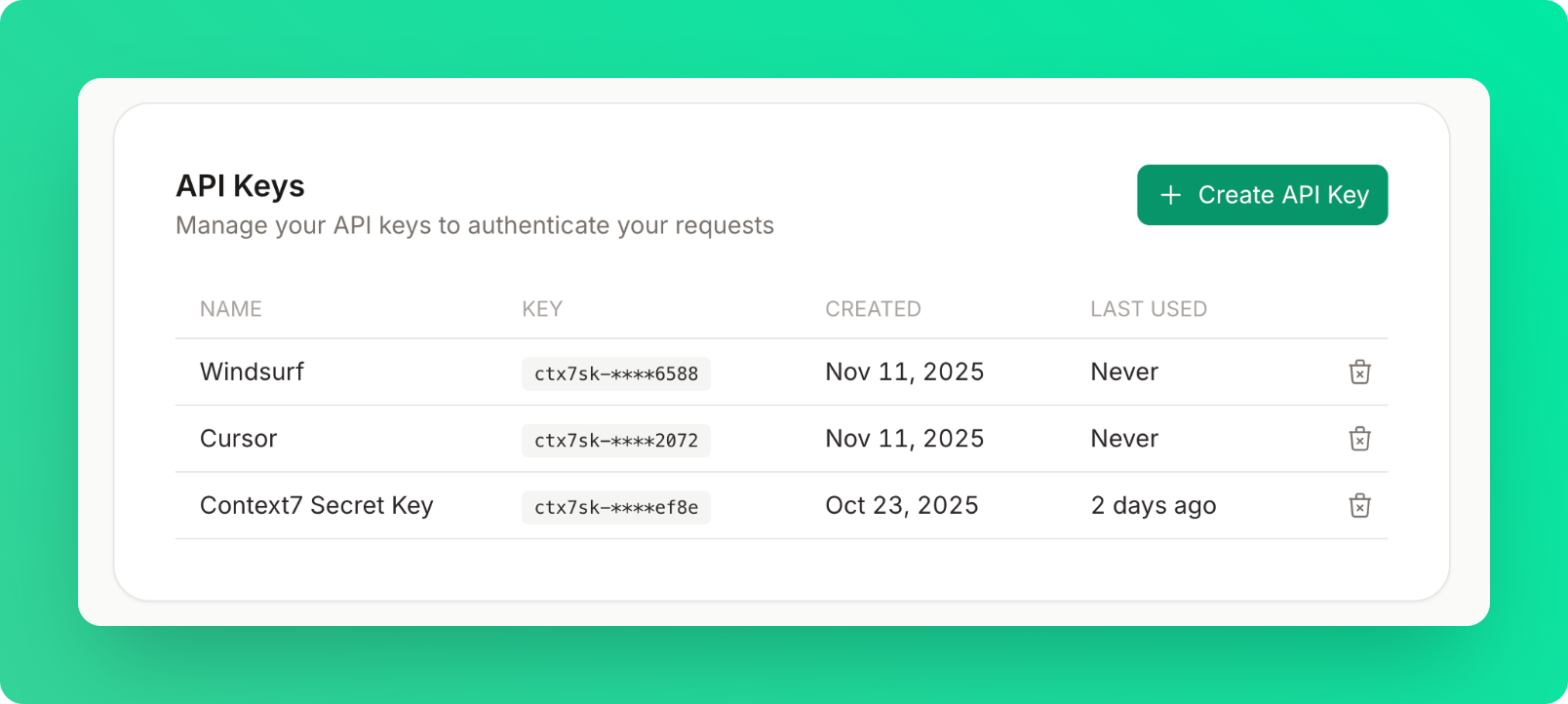
Creating API Keys
Generate a new API key in four simple steps:- Click “Create API Key” in the API Keys card
- Enter a name (optional but recommended)
- Use descriptive names like “Cursor”, “Claude”, “VS Code”, or “Windsurf”
- This helps you identify keys later
- Copy the key immediately
- Keys are shown only once for security
- Format:
ctx7sk-**********************
- Use in your requests or add to your MCP configuration:
Revoking Keys
Remove API keys you no longer need:- Click the delete button next to the key
- Confirm deletion in the modal
- Key deactivates immediately - all requests using it will fail
Revoking a key is permanent and cannot be undone. Update any applications using the key before
revoking.